Go further · Module 14
API & webhooks: connect cocoPIM to your tools
Your catalog is not meant to stay locked inside cocoPIM: your website, your ERP and your internal tools can come and read it, and be notified when it changes. This module is for you even if you are not technical: you will know what to ask your developer or contractor.
14 min read
API: your tool asks
Your site → “Give me the TBC-GAR product”
cocoPIM → the product, up to date, as JSON
Read AND write, with an API key of limited scope.
Webhook: cocoPIM notifies
cocoPIM → “Product TBC-GAR has just changed”
Your ERP reacts in real time
Signed and retried deliveries, whatever the origin of the change.
The API in a nutshell (really)
An API is a service counter for software: instead of a human clicking in the interface, a program comes and asks “give me the record of product TSH-001” and gets the answer instantly, in a format it understands. That is what lets your in-house website, for example, always display up-to-date product records, without any copying.
cocoPIM’s public API lets you read your catalog (products, variants, categories, attributes, families, option lists) and write to it: create and edit products, structure a family (attach attributes to it, with their custom labels), fill an option list value by value, all from your external tools, an ERP or an integration script. Writing is protected by keys with a dedicated scope (see below) and every creation requires an idempotency key: if your program sends the same request twice, the product is only created once.
The full contract: the OpenAPI specification
The whole API is described in an OpenAPI specification (the standard format developers expect), available at the /v1/openapi.json address of the API. It covers every operation with its parameters, the exact shape of the responses (schemas), pagination and the possible errors. And since it is generated directly from cocoPIM’s code, it is always up to date: a change to the API appears in the specification the same day.
- Explore without coding: import the file into Postman, Insomnia or Bruno, with all the requests ready to test;
- Generate a client: standard tools (openapi-generator, orval…) produce the calling code in your language from the specification;
- Hand the contract to a contractor: the specification is enough to quote and build an integration, without access to your account.
A stable API: what works today will work tomorrow
Version v1 only evolves in a backward-compatible way: new fields or new operations may appear, never disappear or change meaning. Your program should therefore simply ignore a field it does not know. A breaking change would go through a new version (v2), served alongside v1, and the retirement of a version is announced at least 12 months in advance, in the app and on this page.
Try the API in three minutes: the Postman collection
To save your developer, or yourself, from starting with a blank page, we publish a ready-to-use Postman collection: 62 requests, the 32 REST routes and the 30 GraphQL operations, organized by resource. Each one comes with a valid example body, commented parameters and a test that checks the response. The REST part is generated from the OpenAPI specification, hence from the code: it never describes an imaginary API.
- Postman collectionJSONThe 62 REST and GraphQL requests, organized by resource. In Postman: Import, then drop the file.
- Environment (template)JSONThe variables to fill in: the API address and your key. Import it too, then select it at the top right.
Once both files are imported, paste your API key into the apiKey variable and run “Vérifier ma clé API” (“Check my API key”), in the Commencer ici (“Start here”) folder; the collection’s names are in French. If the key is refused, it tells you exactly why instead of leaving you with a silent error. After that, creations automatically store the identifier they get in a variable, so you can chain create, read, update and delete without copying a single identifier by hand.
REST or GraphQL? Two counters, same catalog
The REST API works like a series of specialized counters: one for products, one for families, one for categories… Simple and universal: it is the right default choice. From the Growth plan, cocoPIM opens a second style of counter: the GraphQL API (/v1/graphql). The difference? Your tool describes exactly what it wants (“the TBC-GAR record, with its variants and the name of its family”) and gets exactly that, in a single request, instead of chaining three or four calls and sorting through the responses.
- Same badge, same budget: the API key is the same as for REST, with the same scopes; a GraphQL request counts as one unit of the same monthly quota. Nothing new to manage.
- Read AND write: everything the REST API does, that is reading the catalog (products, variants, families, attributes, categories, option lists) and editing it, with the same safeguards (idempotency key on creations, same validation rules).
- A self-describing contract: the GraphQL equivalent of the OpenAPI specification. The schema is published (/v1/graphql/sdl) and standard tools discover it on their own: your developer generates a typed client in one command.
- Healthy limits: query depth and complexity are capped, and so is the call rate per key. A badly written script is politely refused, it does not slow down your catalog.
API keys: give access without giving away your account
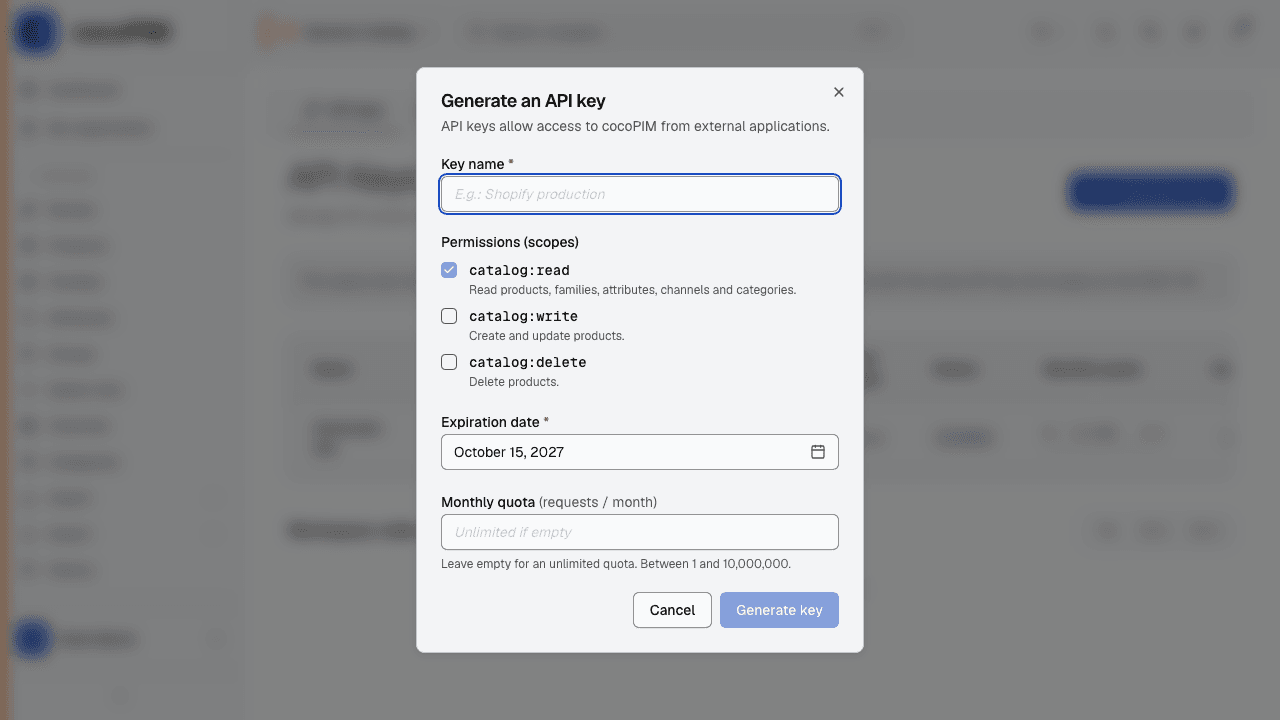
A program does not sign in with your email and password: it uses an API key, a dedicated access badge, created in Developers → API keys, with a limited scope (read-only, write, delete). Give each program the minimum it needs. Good practices:
- one key per use (one for the website, one for the contractor): you know who does what, and you can cut one off without breaking the other;
- revoke without mercy: a contractor leaves? Their key is revoked in one click, and access stops immediately;
- the key is only shown once, when it is created. Store it in your password manager;
- rotate your keys: rotation replaces a key with a new one without any service interruption. Good yearly hygiene, and the immediate reflex if a key may have leaked;
- a budget per key: each key can carry a monthly call quota; at 80% usage, cocoPIM alerts you by email. A script running wild at a contractor’s will not surprise anyone.
Webhooks: get notified instead of checking
A webhook is the opposite of the API: instead of your tool coming to ask “anything new?” every five minutes, cocoPIM notifies it as soon as an event happens (a product created or updated, but also a change of structure: attribute, family, category, option list). And this whatever the origin of the change: an edit made by hand in cocoPIM triggers the same notifications as a write through the API, including a file import or a bulk edit: each product created or updated triggers its own notification, with no cap. Your ERP, your reporting tool or your website can react in real time.
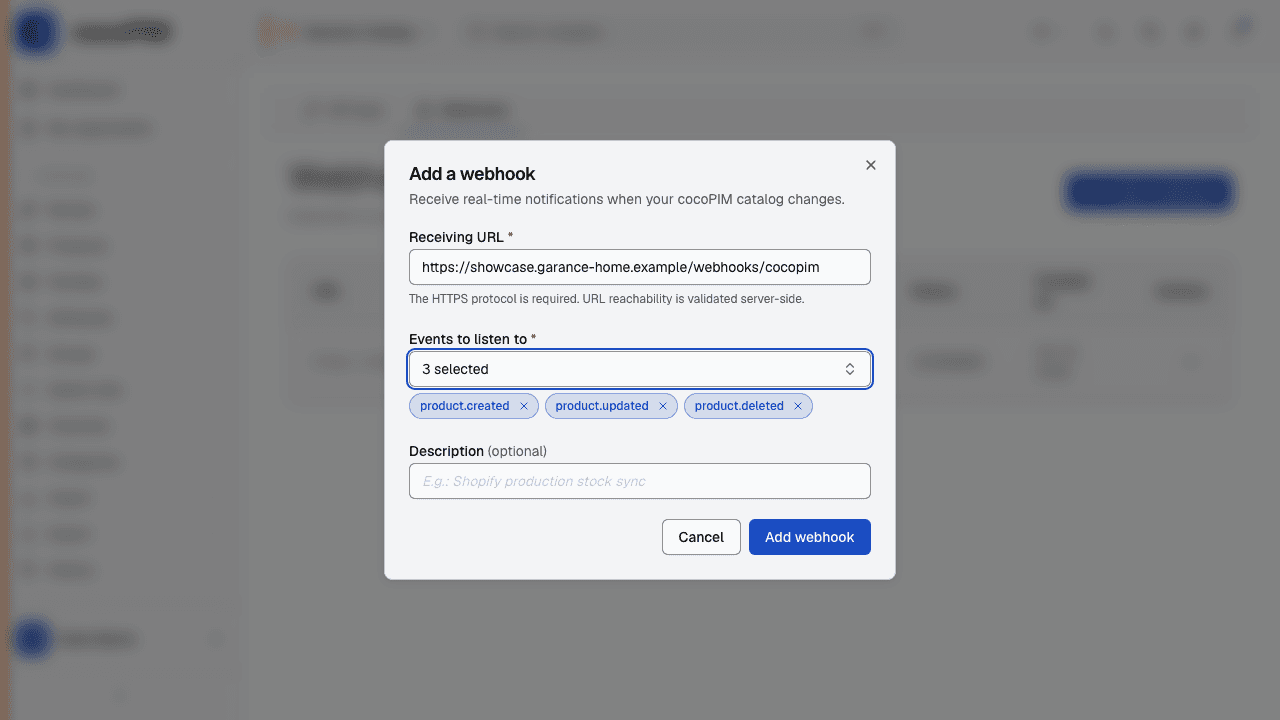
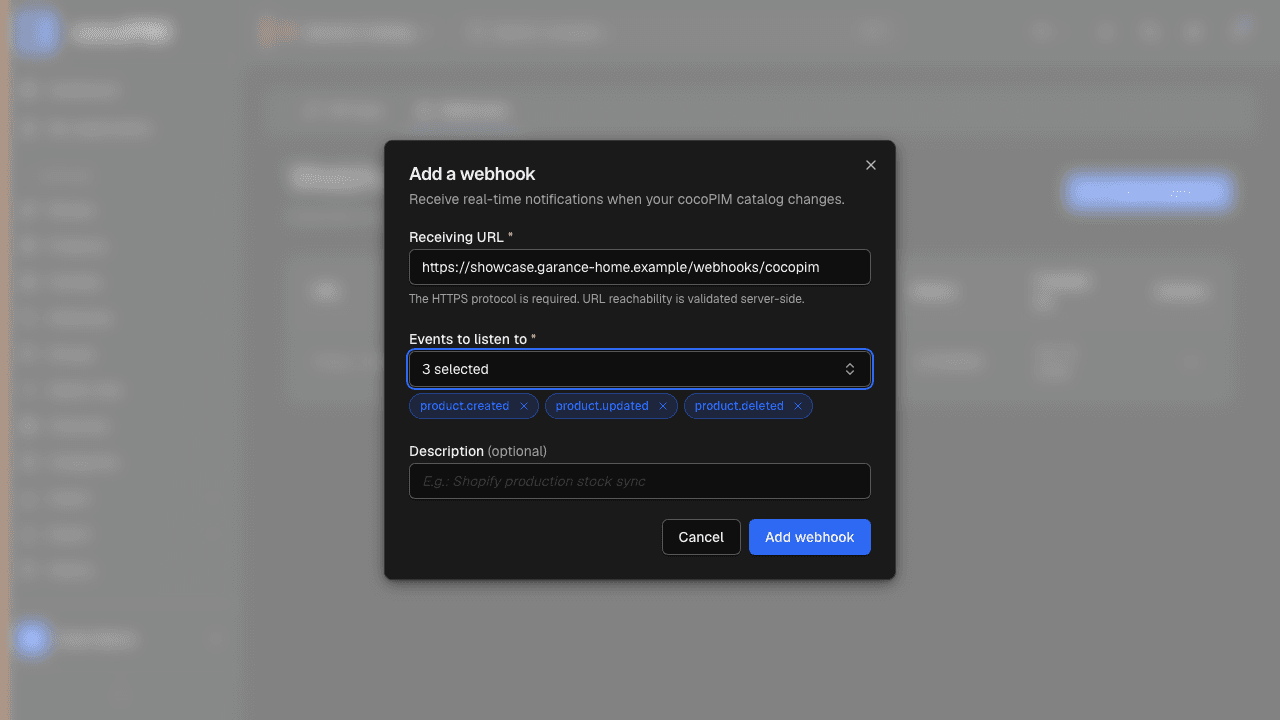
Create the subscription
In Developers → Webhooks: the address of your tool (provided by your developer) + the types of events to listen to.
cocoPIM notifies
On every event, cocoPIM sends the message to the given address. Deliveries are signed (your tool can check that it really is cocoPIM) and, if they fail, retried up to five times over about fifteen hours. A few hours of downtime on your tool therefore loses nothing.
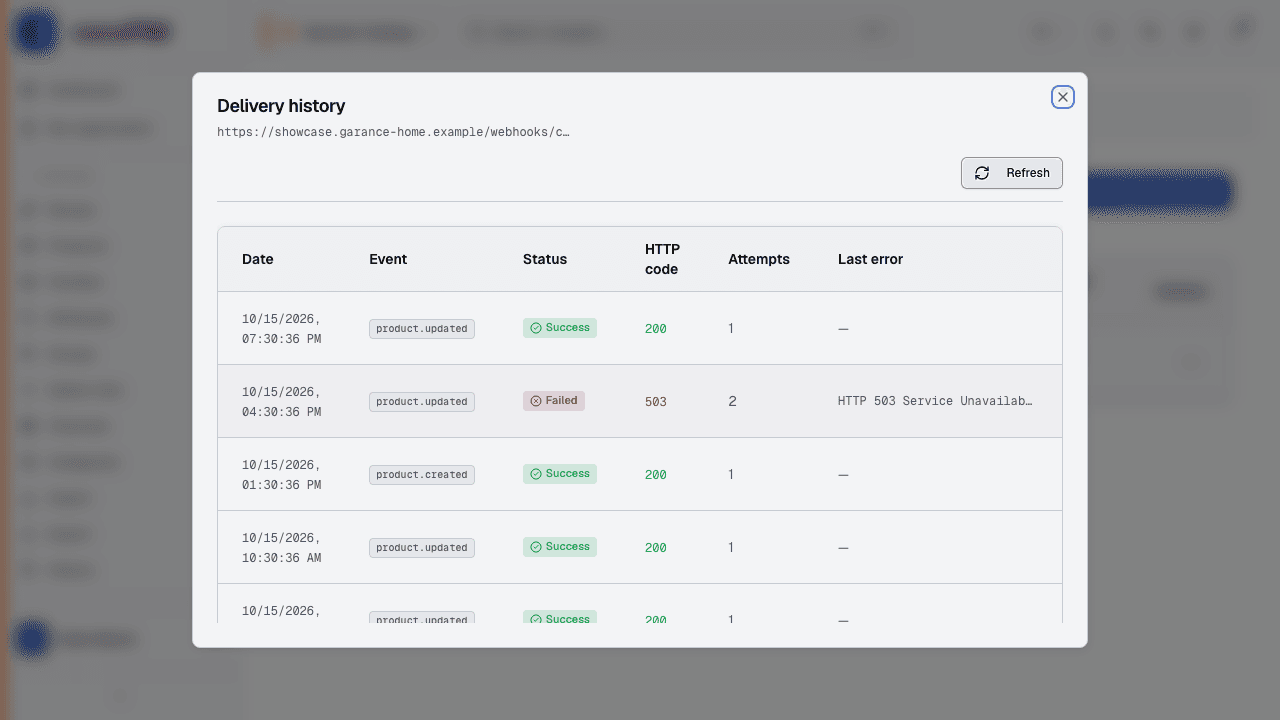
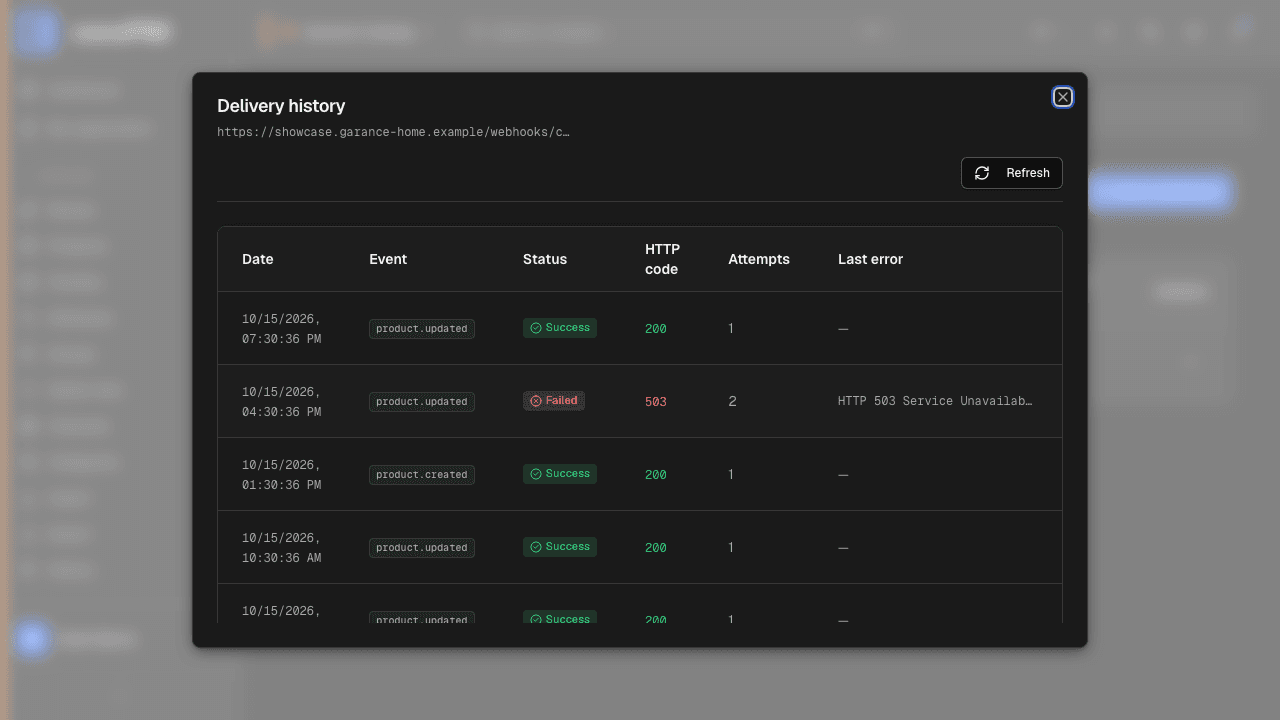
Track the deliveries
The webhooks screen shows the history of deliveries, successful or not, invaluable for troubleshooting with your contractor.