Go further · Module 11
AI day to day
Nobody dreams of writing 300 product descriptions. cocoPIM’s AI writes the first draft, in your brand’s voice, and you keep the final say. This module shows what it can do, how to frame it, and how to review everything it has produced, product by product or in one go across the whole catalog.
15 min read
What the AI can do today
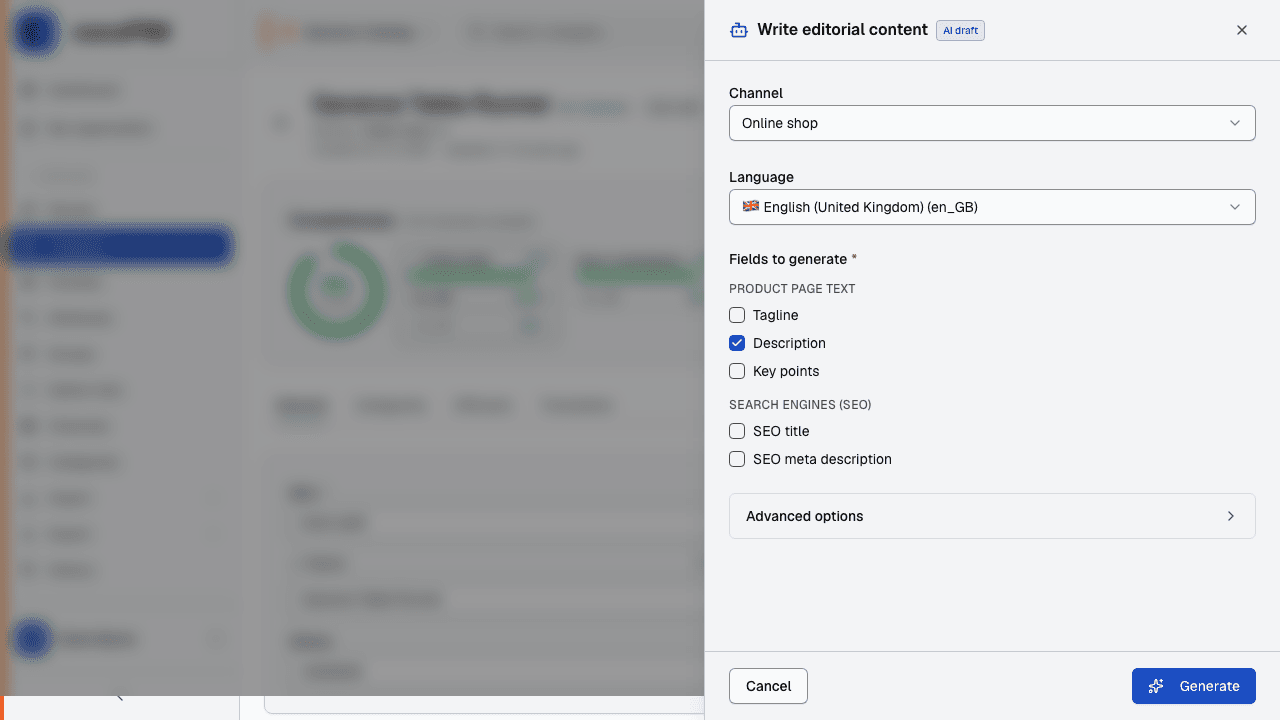
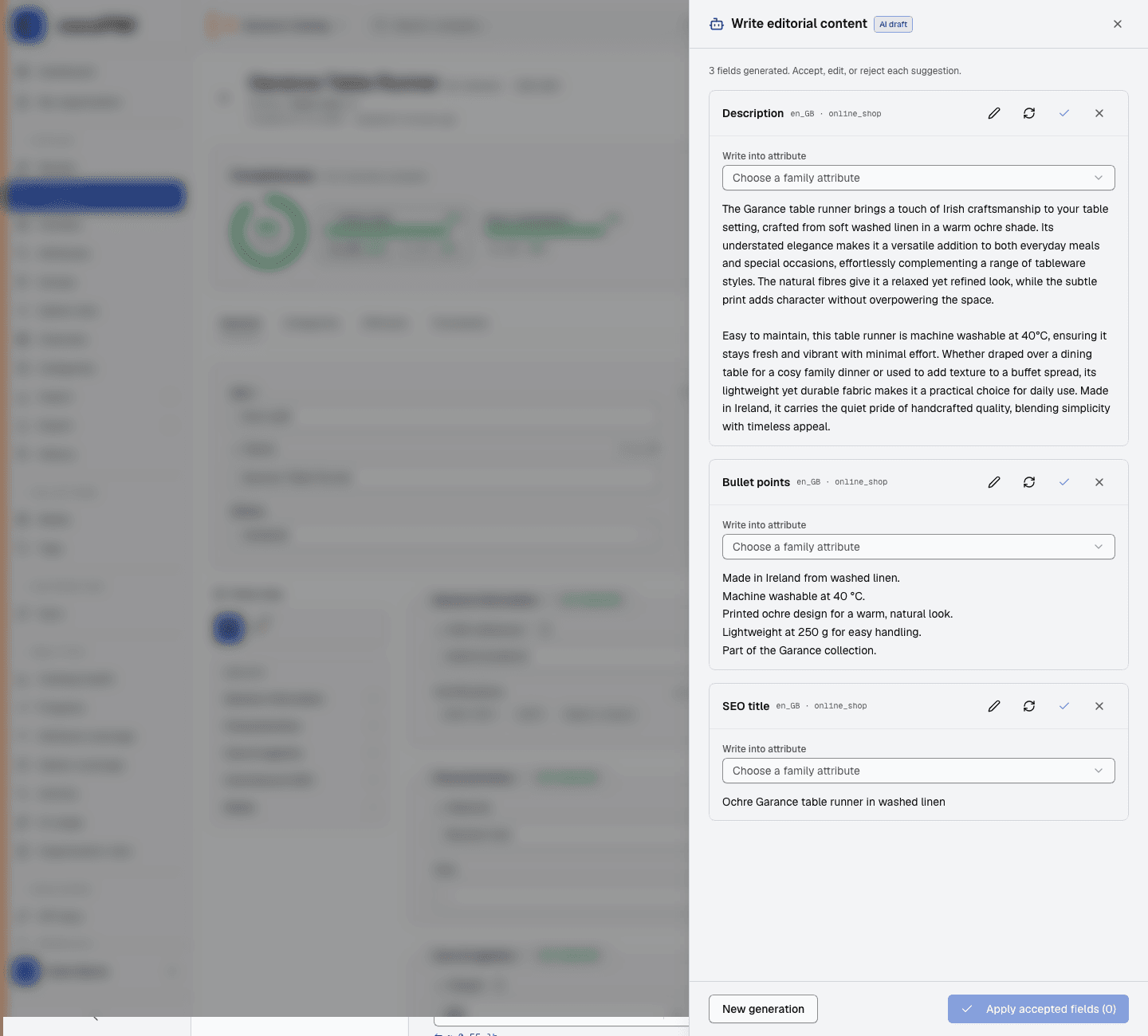
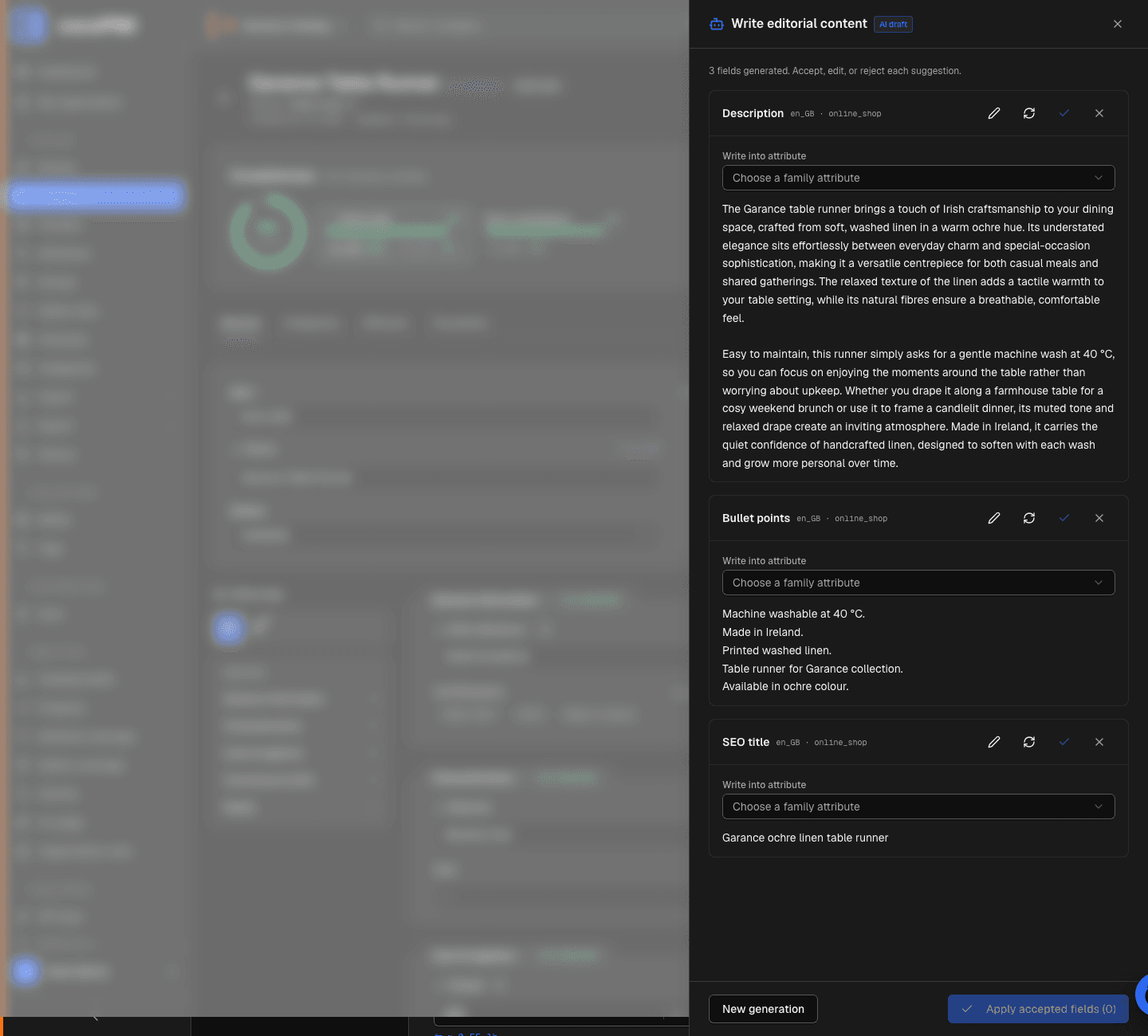
- Generate content: from a product page, the assistant writes a tagline, a description, bullet points, as well as a title and a meta description optimized for search engines (SEO), based on the characteristics already filled in on the product.
- Suggest missing attributes: the AI analyzes the product and suggests values for the empty fields. For select attributes, it can only suggest existing options from your lists: a built-in safeguard against invented values. If your catalog has several languages, it also suggests the missing translations in the same pass. Measurements are included (length, weight, capacity…), with the unit chosen among the attribute’s units. If the AI suggested nothing, the panel lists the missing fields and lets you add an instruction (manufacturer sheet, known characteristics) to run it again. And from the translations window of a name (attribute, family, channel…), one click translates that name into the languages still empty, for one credit.
- Translate a product: the “Translate this product” action translates the product’s texts into your catalog’s languages, in your brand’s voice, for a single AI credit whatever the size of the product. What you have already written by hand in the target language is never overwritten without your consent.
- Fill AI fields: a dedicated attribute type that the AI writes on its own when it is empty (a tagline, a standardized description), from an instruction and the attributes of your choice. That is the subject of module 12, together with its deterministic twin, the calculated field.
In every case, the principle is the same: the AI suggests, a human keeps the final say. Descriptions and suggestions are applied after your explicit approval; translations and AI fields, generated in the background, arrive marked “To review” and wait for your review in the dedicated queue. Nothing ever stays published without a human being able to find it.
Setting the tone: the brand context
So that the texts sound like your brand (and not like a generic instruction leaflet), cocoPIM applies a cascading context: instructions defined at the organization level, refined per space, per channel, and even per family. Example: “warm, artisanal tone, courteous, never any superlatives” at brand level, “300 characters maximum” on the marketplace channel. The AI combines these instructions at every generation.
Organization
- “Warm, artisanal tone, courteous, never any superlatives.”
Space “Garance Catalog”
- “Highlight Irish craftsmanship and natural materials.”
Channel “Decor marketplace”
- “Descriptions of 300 characters maximum.”
Family “Table linen”
- “Always mention how easy it is to care for (machine washable).”
AI generation
- all instructions combined → a first draft in the brand’s tone
Traceability: knowing who wrote what
Every value on a product carries its origin: manual entry, import, API… or generated by AI. Values that come from the AI are flagged on the product: you always know what was written by a human and what came from the machine, and what deserves a review before publication. This traceability is not just a convenience: it is also what the European AI regulation expects from you. Module 17 covers the topic in full.
Quotas: an AI budget under control
Every plan includes a number of AI generations per month (from 50 on the Discovery plan to 50,000 on Growth), shared at the organization level. A counter tracks your usage; a per-minute cap prevents a runaway script from draining the budget in an hour. No surprise overage charges: quota reached = generation paused until the following month (or an upgrade to the next plan). And who can spend this budget is decided in the roles: the AI credits permission hides every paid action from anyone who does not have it, with the server checking again on every call.
In practice: enriching a product with AI
Open a product that is already well filled in
The AI works from what the product contains: the more characteristics are filled in, the better the text.
Run the generation
Ask for description + SEO title + bullet points. Review it: the first draft is 80% there, your review does the remaining 20%.
Accept or adjust
Approve what suits you: the value is written to the product, marked as generated by AI. Edit the rest by hand.
Try attribute suggestions
On an incomplete product, ask for suggestions: the AI suggests values for the empty fields, to approve one by one.
Translate a product, then review it
Run “Translate this product”
From the product, choose the source language and the target languages. By default, everything that is translatable and filled in is sent for translation, and what already exists in the target language is preserved, unless you untick the protection. Cost: one AI credit for the whole product.
Move on to something else: cocoPIM lets you know
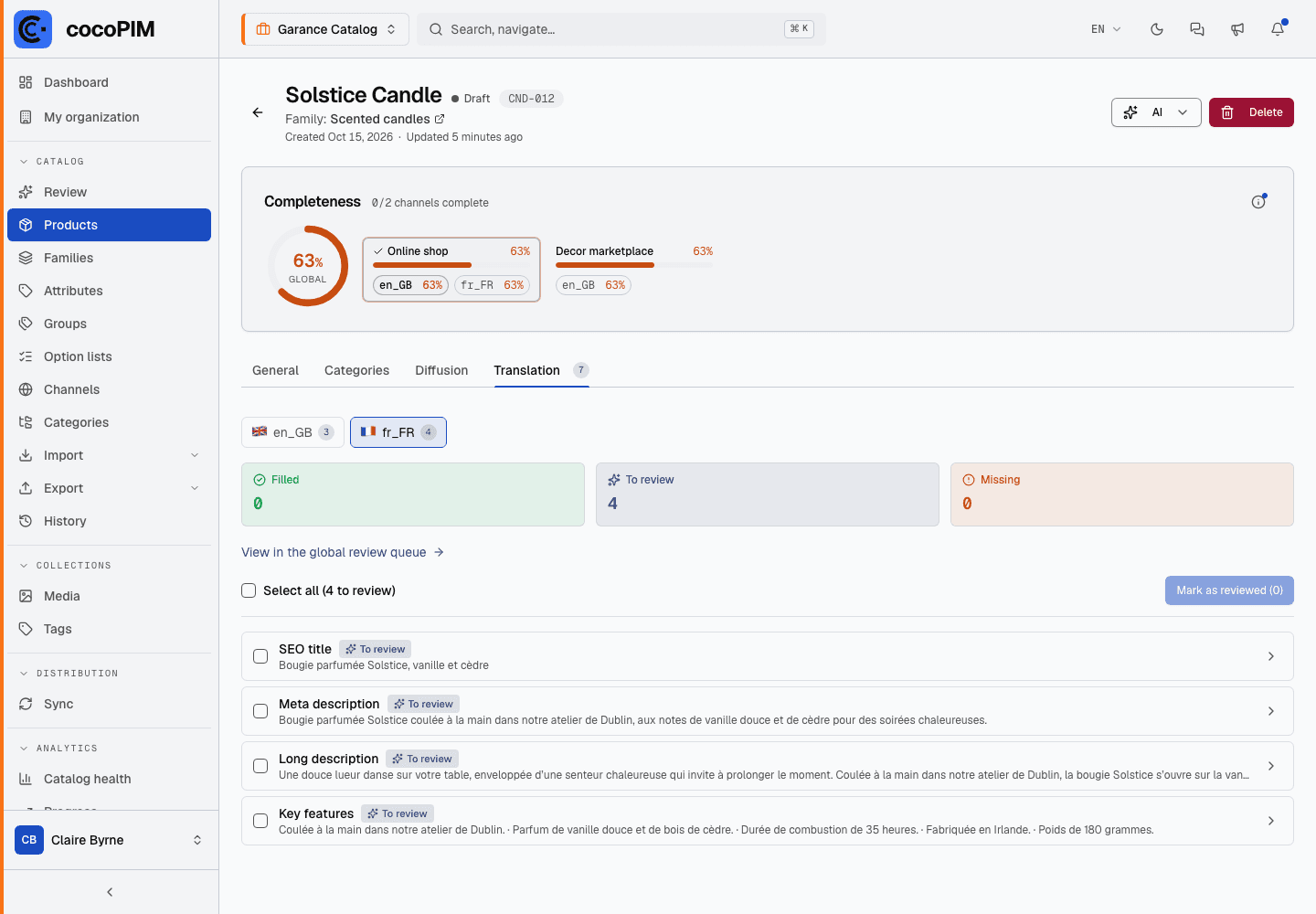
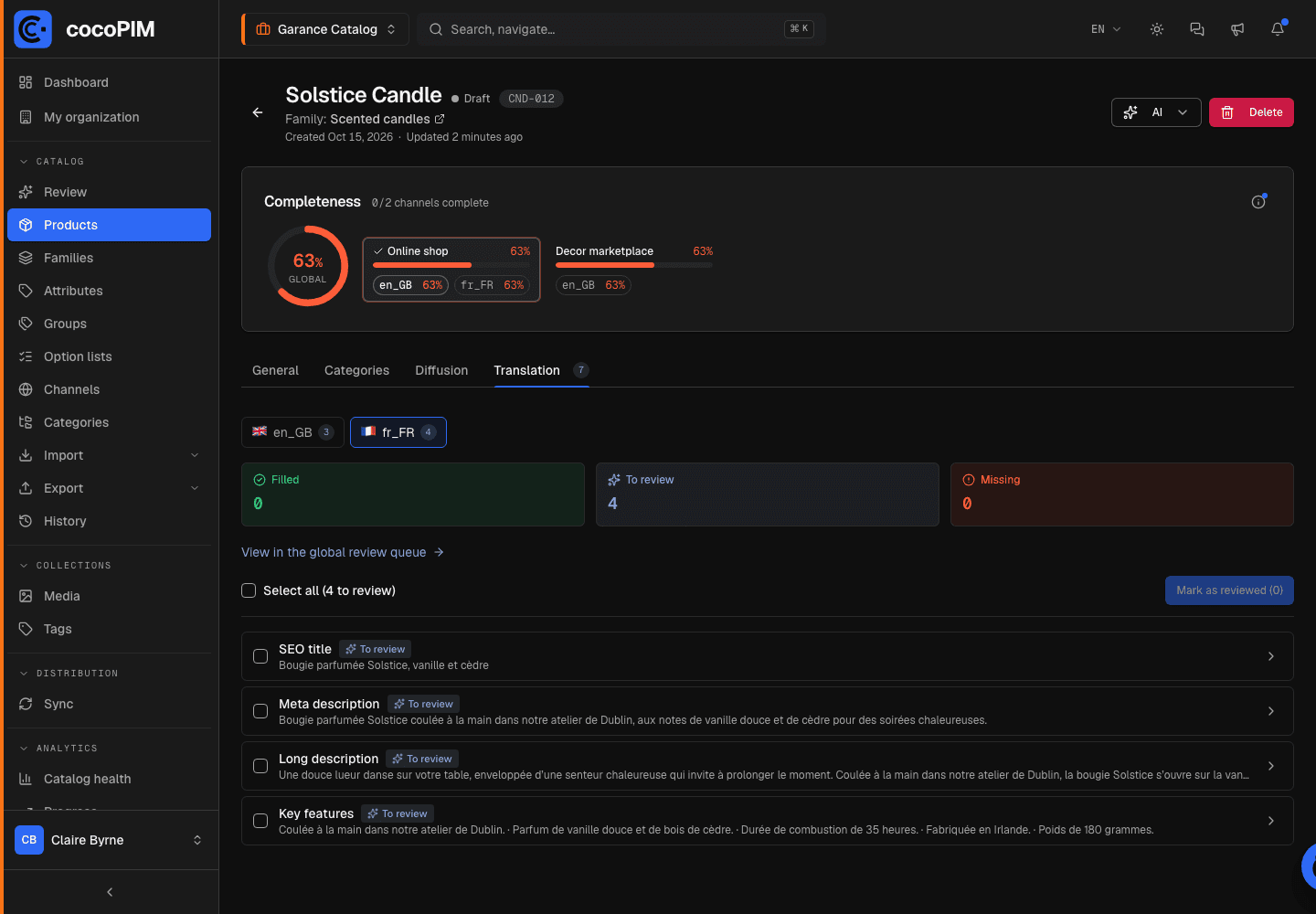
The translation runs in the background: no need to stay in front of the product. When it is done, the notification bell tells you, success or the precise reason in case of a problem (quota reached, for example), with a direct link to what is waiting for your review. The translated values are written to the product, marked “To review”.
Approve in batches in the Translation tab
Each translated value stays marked “To review” until someone approves it. The product’s Translation tab lists everything waiting for a review, language by language. Approve field by field or all at once, or correct the text directly.
The global review queue: handling everything in one go
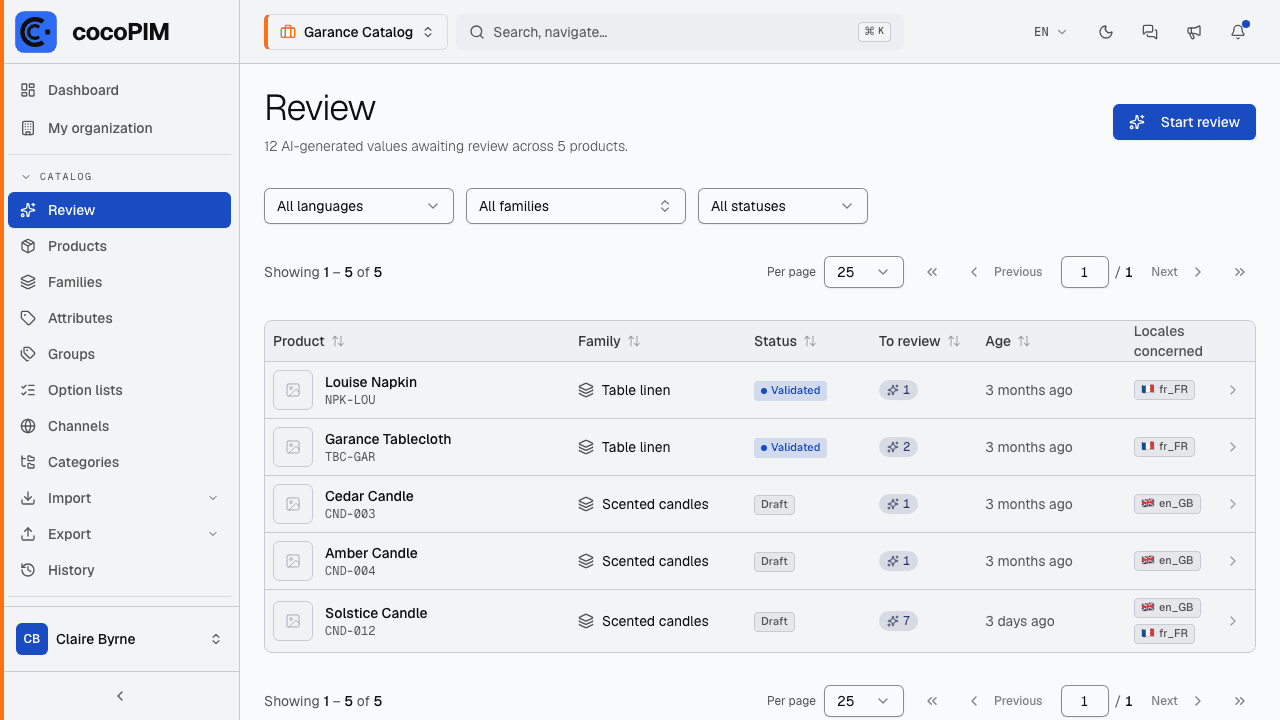
The Translation tab answers a local need: “what is left to review on this product?”. But as soon as the AI has worked on dozens of products, the real question becomes a cross-cutting one: “what, in my whole catalog, is still waiting for a review?”. That is the role of the review queue (Catalog → Review): the list of all products with at least one unreviewed AI value, from oldest to newest. Nothing can “linger” any more without anyone noticing.
You do not even have to think about it: the dashboard shows a To review tile with the number of AI values waiting. As long as it is at zero, it stays discreet; as soon as some content is waiting, it stands out, and one click takes you straight to the queue.
Filter your session
By language, family or product status: a French-speaking product manager only handles French, and the “To review” counter of each product reflects the filter, not the total.
Start the review
The Start review button opens the first product in the queue, directly on its Translation tab. A progress banner (“Review 3/12”) stays with you, with Previous, Next and a cross to quit (Exit review queue): you move from product to product without ever going back to the list.
Approve or correct, product by product
For each value: “Mark as reviewed” if the text is good, or correct it directly; the value then becomes a manual entry and leaves the queue. When a product is done, it disappears from the queue; when the queue is empty, cocoPIM tells you so: “Nothing to review: your catalog is up to date.”